50,6 k
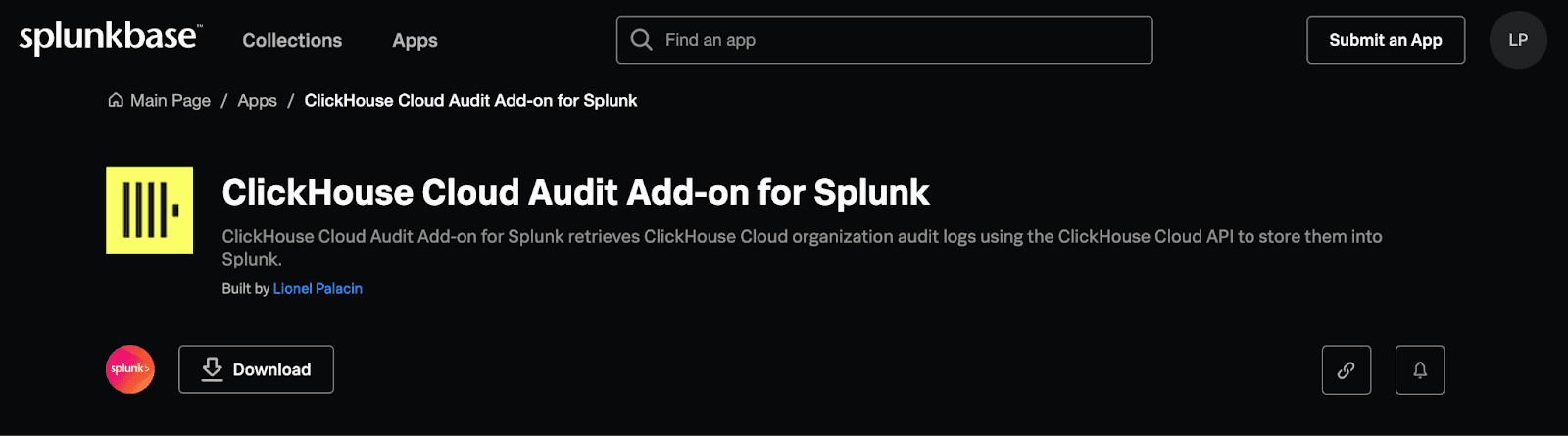
In an ongoing effort to grow the ClickHouse ecosystem so that it can easily integrate into any environment, we are excited to announce the recent release of the ClickHouse Cloud Audit add-on for Splunk!
This new integration lets you easily store and analyze ClickHouse Cloud audit logs directly into Splunk, the data analytics and monitoring platform.
It uses the ClickHouse Cloud API to securely pull the audit logs from your ClickHouse Cloud organization. The add-on is available for download on Splunkbase.
Installation and Configuration
Installing the add-on on your Splunk deployment is straightforward and requires only a few steps. Currently, only Splunk Enterprise deployment is supported. Approval for the Splunk Cloud availability is pending.
- Download and Install:
- Download the ClickHouse Cloud Audit Add-on for Splunk from Splunkbase.
- In Splunk Enterprise, navigate to Apps > Manage, click Install app from file, and upload the downloaded file.
- Gather ClickHouse Cloud Information:
- Log in to your ClickHouse Cloud console.
- Navigate to Organization > Organization Details to copy your Organization ID.
- Generate an API Key with admin privileges under API Keys and save it securely.
- Configure Data Input in Splunk:
- Go to Settings > Data Inputs in Splunk.
- Select ClickHouse Cloud Audit Logs and click New.
- Enter your Organization ID and Admin API Key to complete the setup.
Find a detailed version of the instructions on the ClickHouse documentation website.
Audit ClickHouse Cloud from Splunk
Once configured, the Cloud organization audit logs start flowing into Splunk and are ready for exploration through Splunk search and analytics tools.
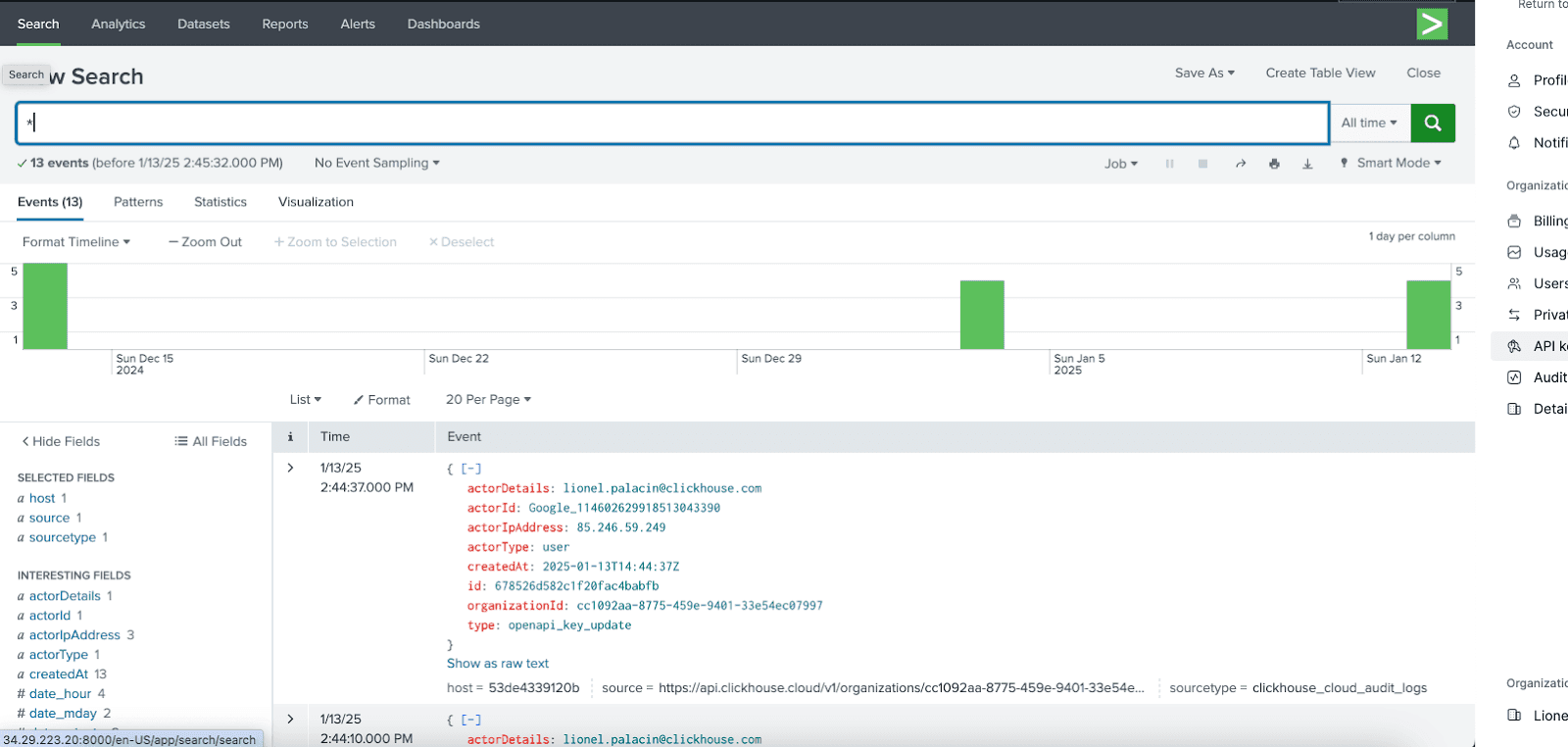
If you need to centralize audit logs in your Splunk deployment, start using the ClickHouse Cloud Audit Logs for Splunk add-on today.
Lancez-vous avec ClickHouse Cloud dès aujourd'hui et recevez 300 $ de crédits. À la fin de votre essai de 30 jours, continuez avec une formule à l'usage, ou contactez-nous pour en savoir plus sur nos remises basées sur le volume. Consultez notre page de tarifs pour plus de détails.